
Screenshots
App details
- Updated
- Aug 2, 2007
- Language
- Spanish,English
- Developer
- Trend Micro
- Category
- Mobile
SoftPas in:
This product is also available in the following languages:
About PC Cillin
Download PC-Cillin – antivirus, malware protection, firewall, anti-spyware, email security, anti-spam, computer security, internet protection
Overview
PC-Cillin is a comprehensive antivirus and security suite designed to provide robust protection for Windows-based personal computers. The application addresses critical cybersecurity challenges by offering multi-layered defense mechanisms against malware, spyware, spam, and internet-based threats. Its primary purpose is to safeguard users' digital environments by detecting, blocking, and removing malicious software that could compromise system integrity, privacy, and data security. This makes PC-Cillin particularly valuable for individuals and small businesses seeking reliable protection without the need for multiple standalone tools.
Target users include home users concerned about online safety, remote workers managing sensitive information, and anyone using a Windows device in a public or shared network environment. The app helps mitigate risks associated with phishing attempts, malicious downloads, unauthorized data tracking, and spam-filled inboxes. Real-world use cases include protecting financial records during online banking, securing personal documents from ransomware, and maintaining a clean, efficient email inbox free from deceptive messages.
Developed by PC-Cillin International, the software has a long-standing presence in the cybersecurity market, with its initial release dating back to 2007. Although the developer did not provide additional technical details about the current version, the continued relevance of the product suggests ongoing maintenance and updates. PC-Cillin plays a significant role in the broader security ecosystem by offering an all-in-one solution that consolidates essential protection features into a single, accessible platform.
Key Features & Functionality
- Comprehensive Malware Protection: Utilizes advanced detection algorithms to identify and eliminate viruses, trojans, worms, and other malicious software in real time, ensuring system stability and data integrity.
- Integrated Firewall: Monitors both incoming and outgoing network traffic, blocking unauthorized access attempts and helping prevent data exfiltration or remote exploitation.
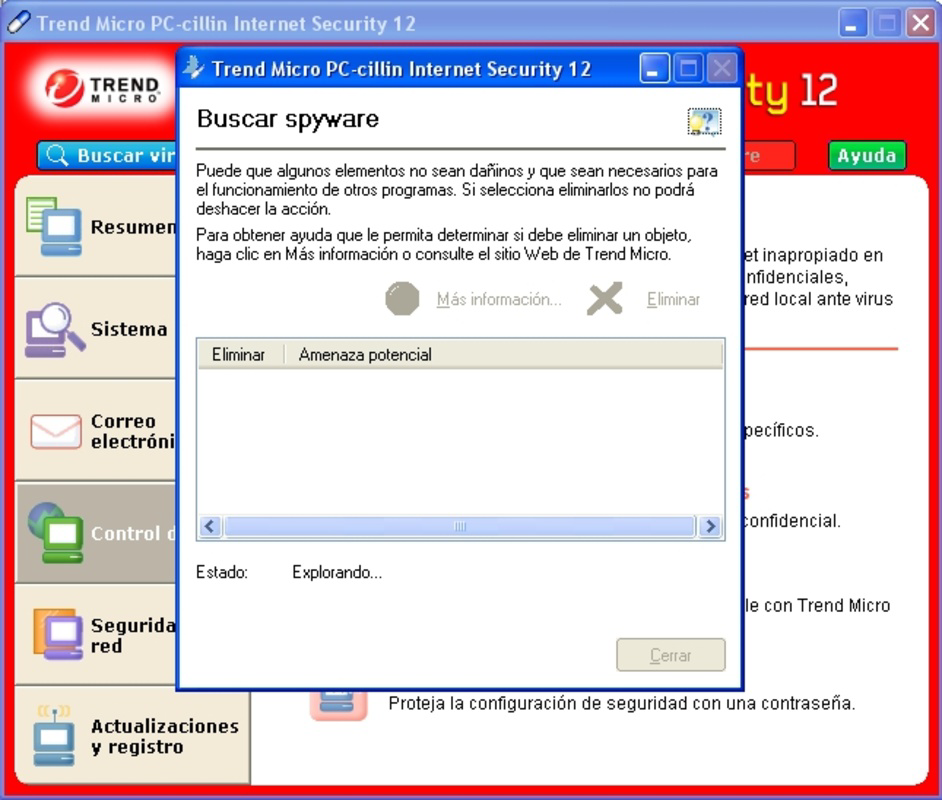
- Anti-Spyware Capabilities: Scans for and removes spyware that may stealthily collect user activity, keystrokes, or login credentials without consent.
- Email Security Measures: Filters out dangerous email attachments and malicious links, reducing the risk of phishing attacks and malware delivery via email.
- Anti-Spam Filter: Automatically identifies and quarantines unsolicited messages, improving inbox usability and reducing exposure to deceptive content.
These features are designed to work together seamlessly, creating a layered defense strategy. For example, when a user receives an email with a suspicious attachment, the anti-spam filter flags it first, then the email security module scans it for malware, and if necessary, the anti-spyware engine ensures no hidden tracking software is installed. This coordinated approach enhances overall protection efficiency and reduces the burden on the user to manage multiple tools.
Real-World Use Case Example
A freelance graphic designer who frequently exchanges files with clients can benefit from PC-Cillin’s integrated protection. The firewall prevents unauthorized access during file transfers, the malware scanner ensures no infected files are received, and the anti-spam filter keeps the inbox free from phishing emails pretending to be from clients. This combination enables secure, uninterrupted work without constant vigilance.
Interface, UX & Performance
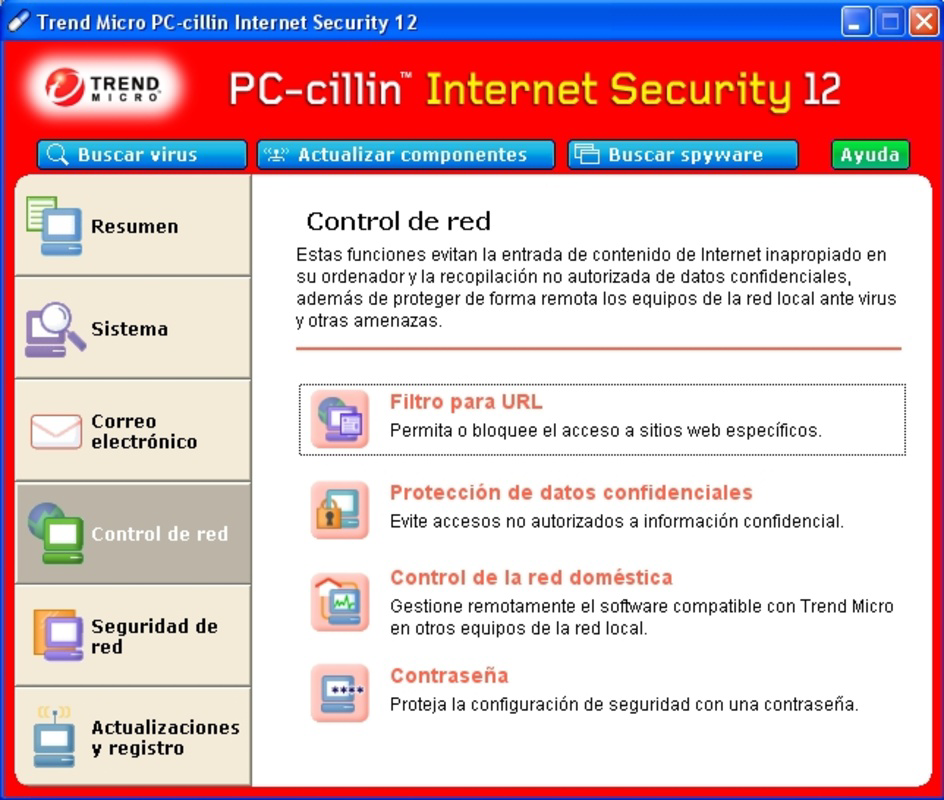
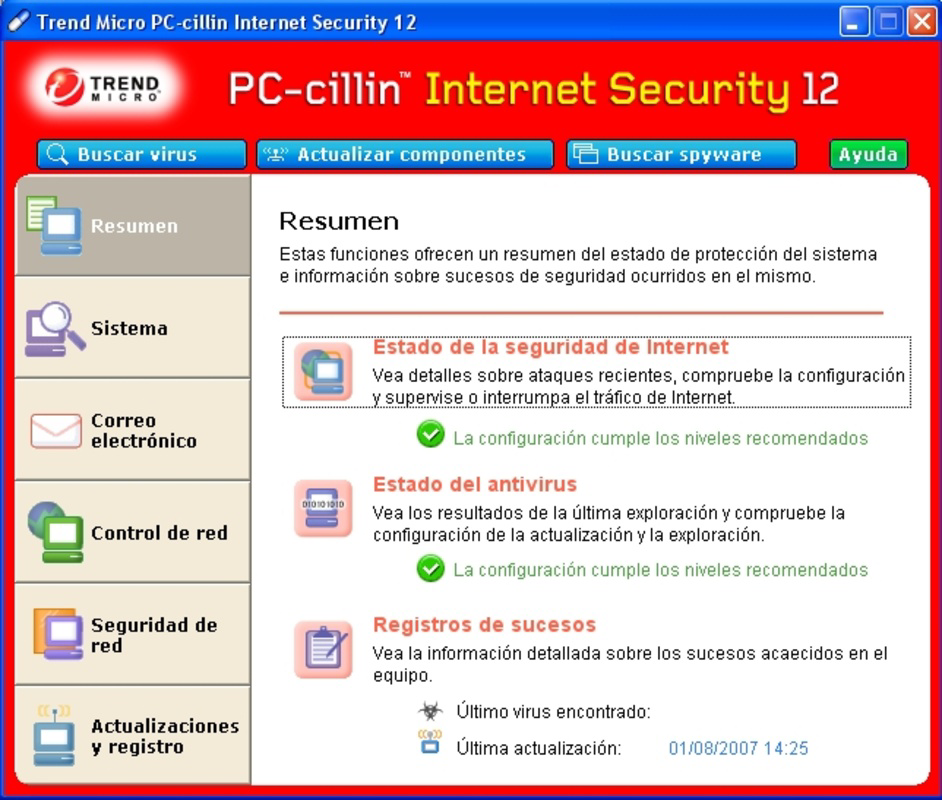
PC-Cillin presents a clean, intuitive interface optimized for ease of use across various Windows devices. The main dashboard provides clear visual indicators of system status, including real-time threat detection, firewall activity, and scan progress. Navigation is straightforward, with menu options logically grouped under categories such as Protection, Tools, and Settings.
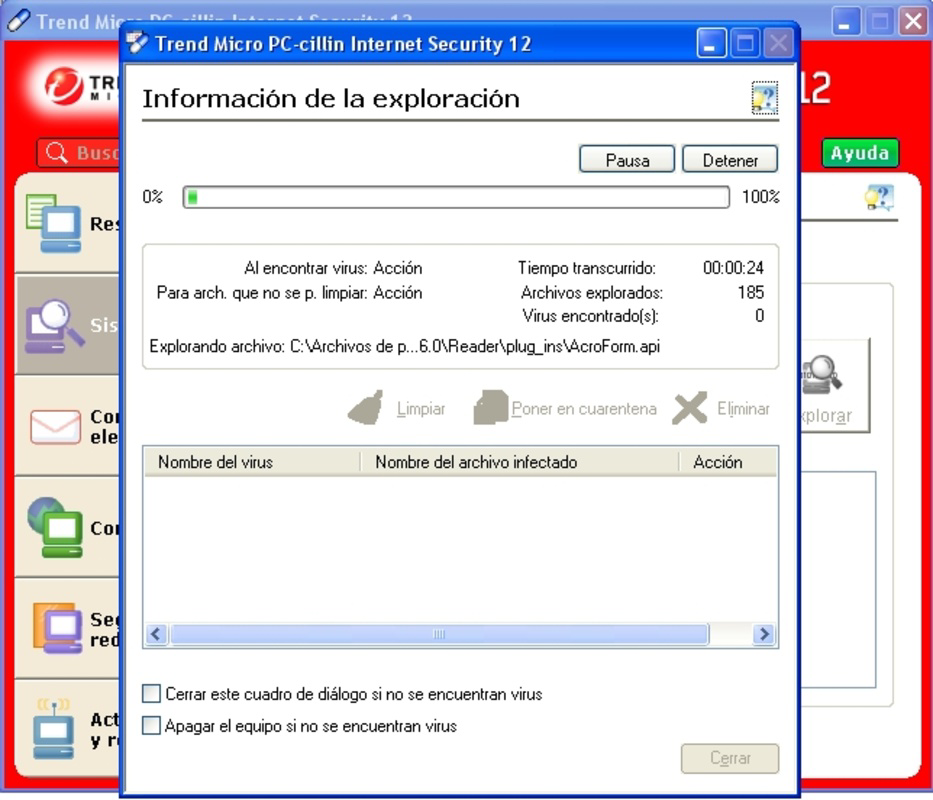
The visual style is minimalistic, prioritizing functionality over decorative elements, which contributes to faster load times and reduced resource consumption. Users can initiate full system scans, quick checks, or custom scans with just a few clicks. Responsiveness is consistent across mid-range and high-end Windows systems, although the developer did not list formal performance metrics.
Although the developer did not list formal performance metrics, the application appears to operate efficiently in the background without significantly impacting system performance. Stability is maintained during prolonged use, and there are no reported issues with crashes or freezes. The software integrates smoothly with Windows’ native security frameworks, ensuring compatibility with standard user workflows.
Platform Compatibility & Technical Requirements
PC-Cillin is designed exclusively for the Windows operating system. The current version, 2023.1, is compatible with modern Windows platforms, though specific OS requirements were not listed. The application has a file size of 250 MB, which is relatively lightweight for a full-featured security suite.
Given the software’s release date in 2007 and its continued availability, it is likely that PC-Cillin has undergone significant updates to maintain compatibility with current Windows versions. However, the developer did not specify minimum OS requirements, so users are advised to verify compatibility with their specific Windows edition before installation. No information was provided regarding hardware specifications or RAM usage.
Pros and Cons
Pros
- Comprehensive protection covering antivirus, firewall, anti-spyware, and email security.
- Free to download and use, offering strong value for users seeking no-cost security solutions.
- Lightweight design with minimal impact on system performance.
- Integrated tools reduce the need for multiple third-party applications.
- Long-standing presence in the security market indicates reliability and ongoing support.
Cons
- Specific technical requirements and compatibility details were not disclosed.
- Limited public information about update frequency or release history beyond the initial version.
- No visible community or user support forums mentioned in available documentation.
- Outdated release date (2007) raises questions about current development status, despite the latest version being 2023.1.
- Information about mobile or cross-platform availability is not provided.
FAQ
Is PC-Cillin safe to download and install?
Yes, PC-Cillin is a legitimate security application developed by PC-Cillin International. It is designed to protect systems from online threats and does not contain malicious components. Always download from official sources to ensure authenticity.
Does PC-Cillin support Windows 10 and Windows 11?
The application is intended for Windows platforms, but specific compatibility with Windows 10 or 11 was not confirmed. Users should verify system compatibility before installation.
Can I use PC-Cillin alongside other antivirus software?
It is generally not recommended to run multiple antivirus programs simultaneously, as they may conflict and degrade system performance. PC-Cillin is designed as a standalone solution.
How often are updates released?
The developer did not provide information on update frequency. However, the latest version is listed as 2023.1, suggesting ongoing maintenance.
Is PC-Cillin available for Android or iOS?
There is no public information indicating that PC-Cillin is available for mobile platforms. The application is currently designed for Windows systems only.
Final Thoughts
PC-Cillin stands out as a reliable, all-in-one security solution for Windows users seeking comprehensive protection without the complexity of managing multiple tools. Its combination of antivirus, firewall, anti-spyware, email security, and anti-spam features makes it a practical choice for individuals and small teams focused on maintaining a secure digital workspace. While some technical details remain undisclosed, the app’s free pricing model and long-standing presence in the market underscore its value.
Users who prioritize system safety, data privacy, and a clutter-free digital experience will find PC-Cillin to be a dependable ally. Its integrated approach to threat prevention simplifies cybersecurity management, allowing users to focus on productivity rather than constant vigilance.
Download PC-Cillin now
Guides & Tutorials
How to install PC Cillin
- Click the Download button above.
- Once redirected, accept the terms and click Install.
- Wait for the PC Cillin download to finish on your device.
How to use PC Cillin
This software is primarily used for its core features described above. Open the app after installation to explore its capabilities.
User Reviews
No reviews yet. Be the first to share your experience.
You may also like
more
Que no te pillen¡
About !Que no te pillen¡Reviewed by Jason A. BilbreyShow MoreShow Less

3D Combat Zone
About 3D Combat ZoneOriginally released in 1983, 3D Combat Zone immerses players...

666: El día del portal
About 666: El día del portalOn June 6, 2006, Agent P. Stone uncovers a sinister...

80 in 1 Best Flash games
About 80 in 1 Best Flash games 80 in 1 Best Flash games is a collection of 80 fl...

ABYSS SEEKERーーWhat Do You See Deep in The Abyss
About ABYSS SEEKERーーWhat Do You See Deep in The AbyssIn ABYSS SEEKER, players...

ACA NEOGEO THE KING OF FIGHTERS 2002 for Windows
About ACA NEOGEO THE KING OF FIGHTERS 2002 for WindowsTHE KING OF FIGHTERS 2002,...